
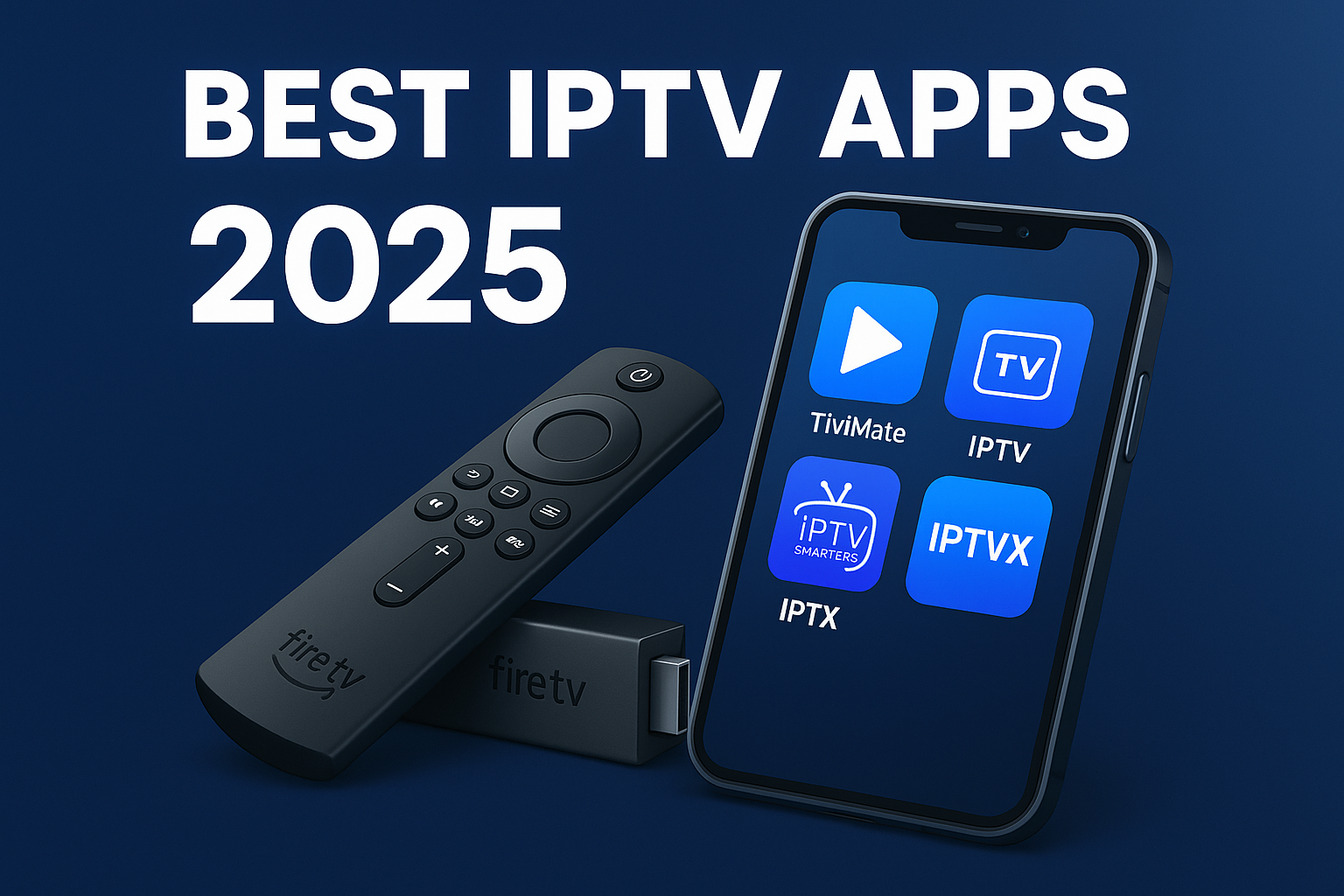
Introduction
The way we watch television has evolved. More viewers now use licensed IPTV apps to access their favorite live channels, on-demand movies, and shows — all legally delivered through verified providers.
If you’re new to IPTV, it’s essential to understand that the app itself doesn’t provide TV content — it’s just a player. The content you stream must always come from an authorized, licensed source.
In this updated guide for 2025, we’ll explore the best legal IPTV apps, how they work, and what to look for when choosing a safe option for your devices.
Don’t have an IPTV subscription yet? Read our What is IPTV and How to Watch IPTV on Any Device guides first.
What Makes a Great IPTV App?
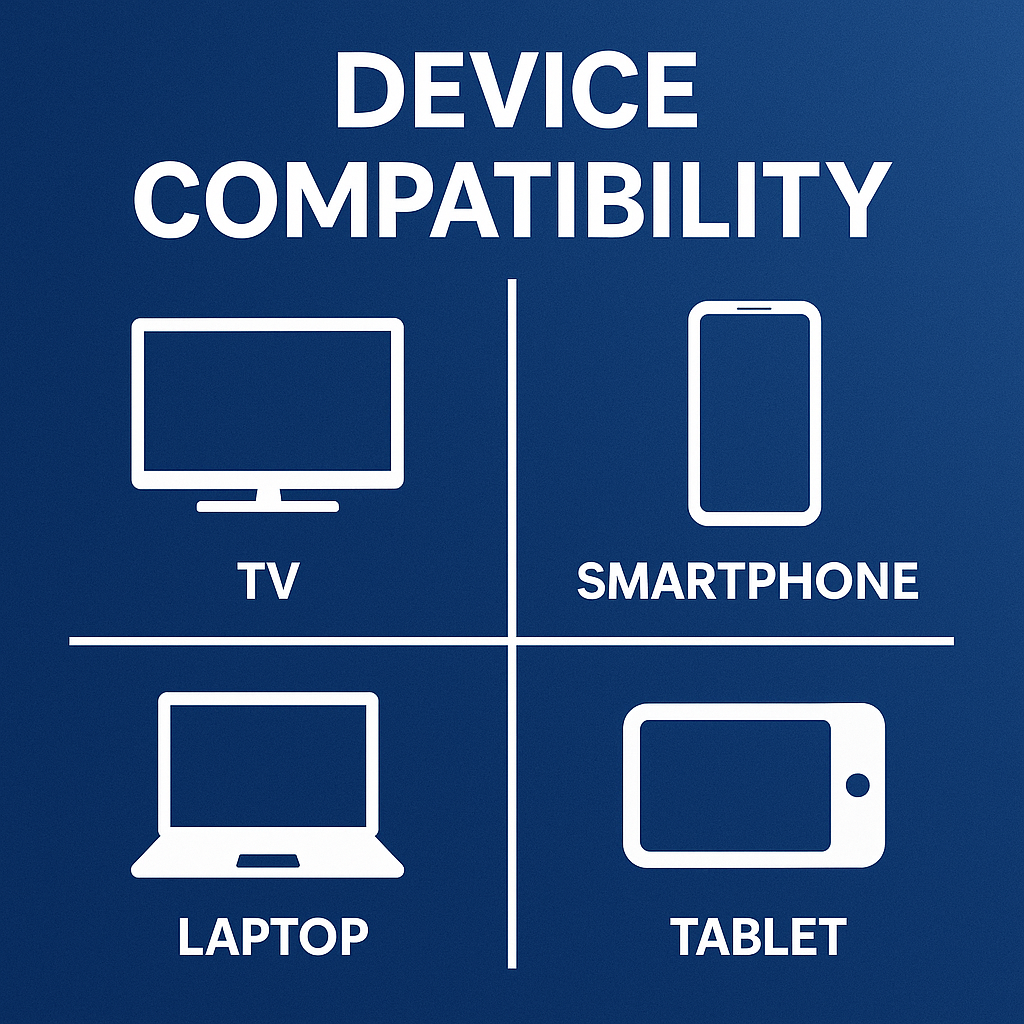
What Makes a Great (and Legal) IPTV App
A good IPTV player doesn’t host or distribute copyrighted material. Instead, it should focus on stability, security, and user experience. Look for apps that offer:
✅ Compatibility with multiple devices (Android TV, Firestick, iOS, Smart TV, Windows, macOS).
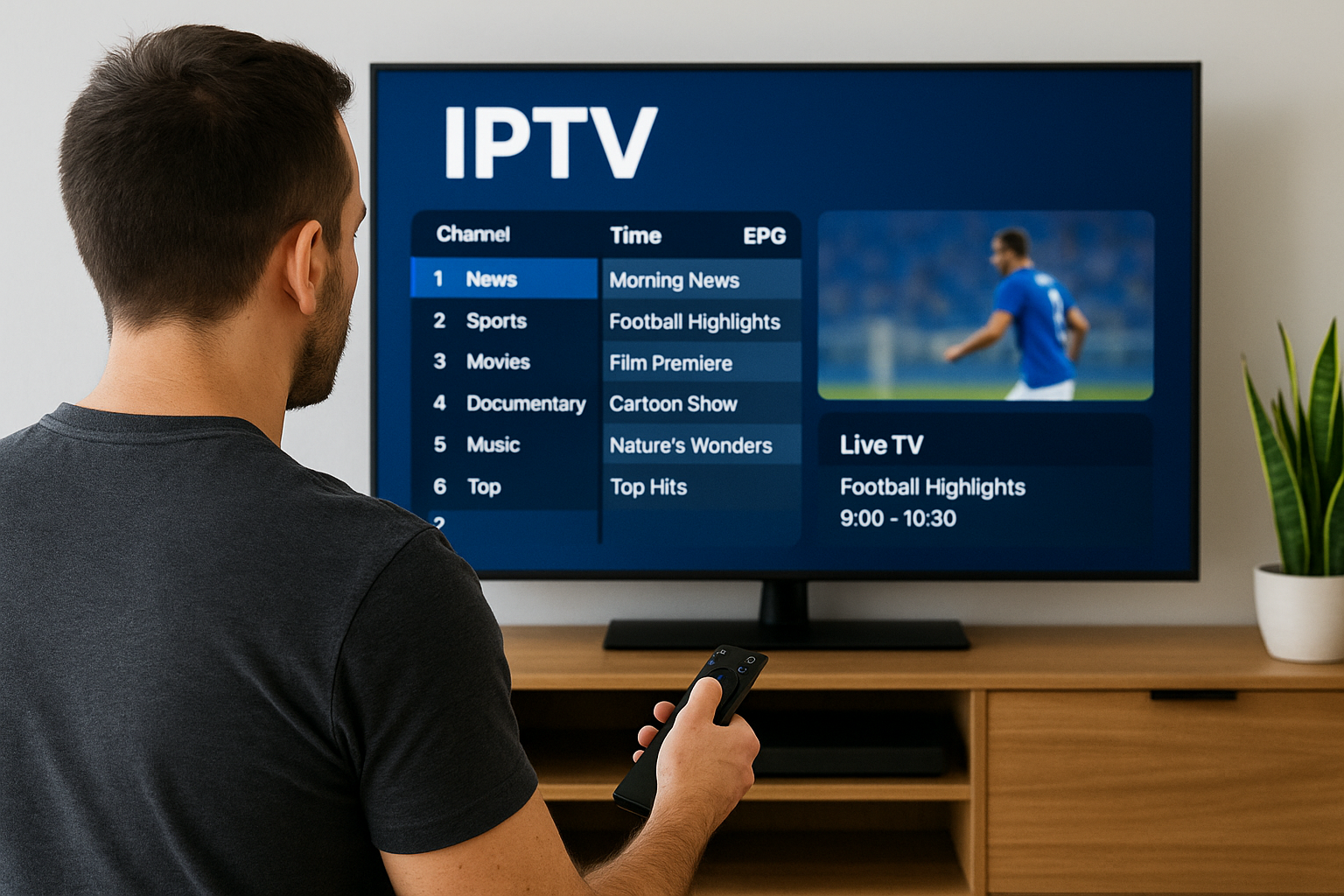
✅ EPG (Electronic Program Guide) support for legitimate playlists.
✅ Compatibility with official IPTV subscriptions or public-domain channels.
✅ Parental controls and secure login options.
✅ Regular software updates and verified developer support.
Always ensure your IPTV app is downloaded from official app stores like Google Play, Apple App Store, or Amazon Appstore.
Best Paid IPTV Apps (Premium)
Top Legal IPTV Player Apps in 2025
These IPTV players are 100% legal to download and use when paired with authorized content.
1. TiviMate
- Platforms: Android TV, Firestick
- Features: Multi-screen view, clean EPG, playlist organization
- Legal Note: Does not include any content; requires you to use a licensed IPTV provider.
2. IPTV Smarters Pro
- Platforms: Android, iOS, Windows, Mac
- Features: Intuitive design, supports multiple logins, VOD section (if your licensed provider includes one).
- Legal Note: Only acts as a player — no preloaded or pirated content.
3. XCIPTV Player
- Features: DVR options, catch-up, EPG, multi-screen mode.
- Legal Note: Available on major app stores; ensures compliance when paired with licensed services.
4. GSE Smart IPTV
- Platforms: iOS, Android
- Features: Playlist management, EPG, and parental controls.
- Legal Note: Recommended for users connecting official IPTV feeds.
5. MyIPTV Player (Windows Only)
- Features: Works through Microsoft Store, supports EPG and M3U URLs from legitimate providers.
- Legal Note: Microsoft-verified application for safe IPTV playback.
Best IPTV Apps by Device
| Device | Recommended Legal Apps | Notes |
|---|---|---|
| Android TV | TiviMate, IPTV Smarters | Verified apps; install only via Google Play Store |
| Firestick | IPTV Smarters, XCIPTV | Use official Amazon Appstore sources |
| iPhone / iPad | IPTVX, GSE Smart IPTV | Safe through Apple App Store |
| Windows PC | VLC, MyIPTV Player | Trusted open-source and Microsoft Store apps |
| Mac | VLC, GSE Smart IPTV | Legal streaming only |
| Smart TV | Smart IPTV, TiviMate | For playlists from licensed broadcasters |
Final Thoughts – Which App Should You Choose?
How to Choose the Best Legal IPTV App
When selecting an IPTV app in 2025, focus on:
- Security: Apps that use encrypted connections.
- Developer Credibility: Check reviews and update frequency.
- No Preloaded Channels: Legitimate apps never provide pirated feeds.
- Privacy: Avoid apps requiring unnecessary personal data.
If an app or service offers thousands of premium channels for an unusually low price, it’s likely unauthorized and risky.
Final Thoughts
IPTV technology provides incredible convenience, but responsible usage matters.
Always pair your IPTV player with a licensed provider that has rights to distribute the content you watch.
At iptvhighquality.com, our mission is to help users stream safely, legally, and confidently in 2025.
3 Responses